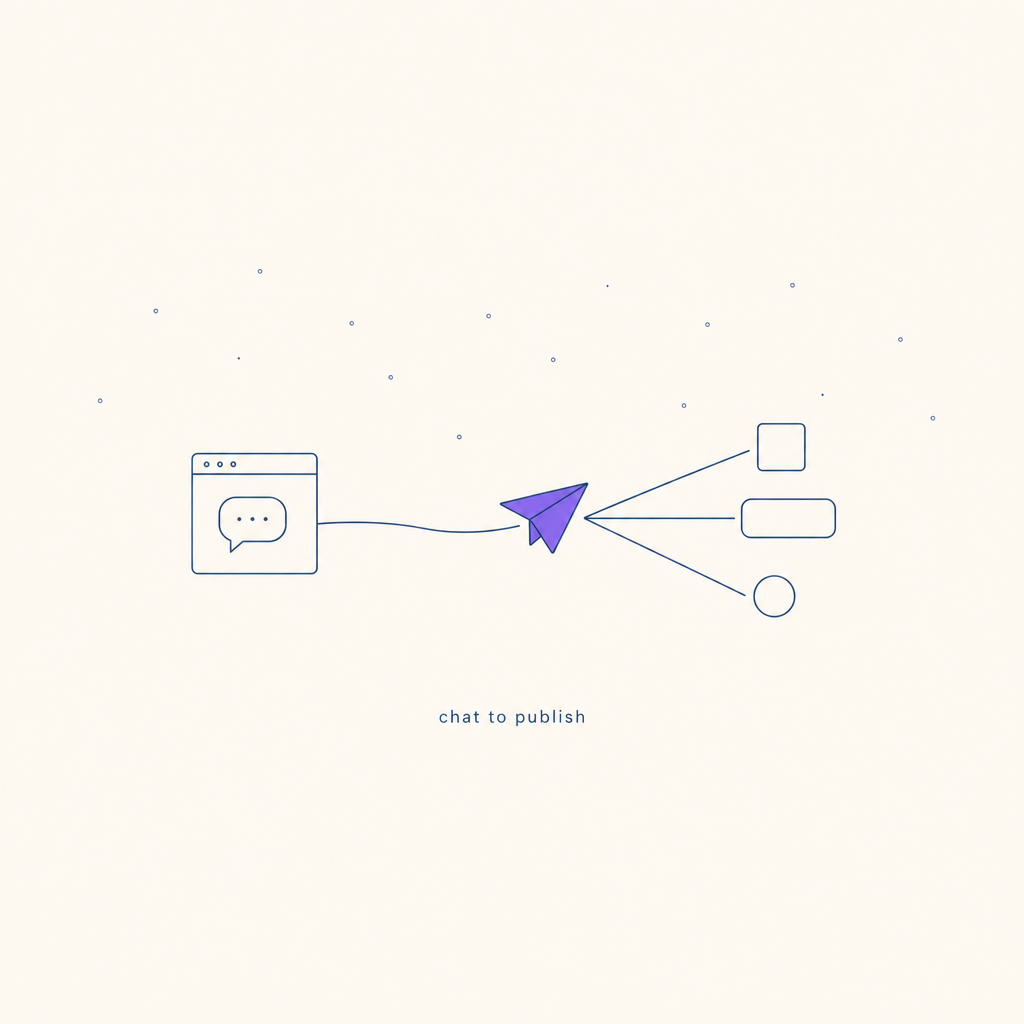
How to Publish Social Media Posts from Inside ChatGPT and Claude
MCP turns ChatGPT and Claude into publishing tools. Here is what that actually means for small business owners — and what is still rough about it.
Picture the workflow you probably recognise. You open ChatGPT, type something like "write me a LinkedIn post about our new service launch," and it comes back with a draft that is pretty close. You tweak a word, change the opening line, copy the whole thing, open LinkedIn in a new tab, paste it in, check the preview, and hit publish.
The AI did the writing. You did everything else.
That copy-paste step is not a big deal on its own. But if you are doing it three times a week for LinkedIn, Instagram, and wherever else, it adds up. And there is something slightly odd about it: the tool that wrote the post never finds out the post went live. It cannot tell you if it worked. The next time you sit down to write, you start from scratch.
Something changed recently that most people using these tools have not noticed.
What just changed
Earlier this year, both Claude Desktop and ChatGPT gained the ability to connect to external tools via a standard called MCP. The short version: you can now give Claude or ChatGPT the ability to actually do things in other software, not just talk about them.
For social media, that means publishing directly from the chat window. No copy-paste. No second tab. You draft the post inside Claude, say "publish that to LinkedIn," and it goes.
ChatGPT added MCP support in March 2026. Claude Desktop has had it slightly longer. Both work.
MCP (Model Context Protocol)
•A standard that lets AI assistants like Claude and ChatGPT connect to external software. Think of it like a USB port for AI tools — instead of you copying text from one app and pasting it into another, the AI gets a direct connection it can use to read data, take actions, and report back. An MCP server is the piece of software that sits in the middle and translates.If the USB analogy helps: your laptop does not need to understand how every device works — it just needs the right port. MCP is that port for AI models. Once the connection is in place, Claude can post to LinkedIn the same way it can currently search the web or read a file you upload.
What the new flow actually looks like
In practice, once you have connected a publishing tool via MCP, the flow looks like this.
You open Claude (or ChatGPT). You say something like: "Draft me a LinkedIn post about the workshop I'm running next Friday. Keep it under 200 words, make it sound like me." It comes back with a draft. You read it, maybe say "change the first line" or "make it a bit more direct." When you are happy: "Post that to LinkedIn."
It goes. Claude confirms it went. You can ask "when's it going live?" or "show me the post URL" and it will answer, because it still has the context from the whole conversation.
The whole thing — brief, drafting, edits, publishing — happened in one window.
Compare that to the old loop and the difference is not dramatic on paper. In practice it is the kind of thing that either sticks or does not, and most people who try it do not go back.
Three things this changes for small businesses
The person drafting and the person publishing are usually the same person
In most small businesses, there is no content team. The founder or marketing manager writes the post, reviews it, and publishes it. They are doing three jobs in sequence, switching between three different apps to do them.
Collapsing that into one window does not save an enormous amount of time. What it does is remove the context switches. The post you are about to publish is still right in front of you. You know exactly what it says and why. You do not lose the thread.
You can ask follow-up questions
This is the one people underestimate. Once the post is published, you can still talk to Claude about it. "What time did that go out?" "Can you draft a follow-up for tomorrow based on the same topic?" "Remind me what the call to action was."
It can also pull analytics back if your publishing tool supports it. In Rheos, for example, you can ask "how did last week's posts perform?" and get engagement data back in the same chat. That is a small thing that changes how you think about what you are doing.
Brand voice carries across
If you have given Claude your brand context at the start of a session — your voice, your audience, what you care about — that context is still there when you go to write the next post. You do not have to re-explain who you are. The model remembers, within the conversation, that you are a Nottingham wedding photographer who writes in a warm but unfussy tone and never uses the word "stunning."
That persistence is what separates this from a prompt-by-prompt approach. The first post in the conversation might take three exchanges to get right. By the fourth, you are getting closer first time.
What is still rough
Fair enough to say upfront: this is new, and parts of it are fiddly.
Instagram is more friction than LinkedIn. The Instagram OAuth flow is more complicated than LinkedIn's — you are navigating a Meta developer setup that was not designed for small business owners. It is not impossible, but if you hit an error you will need to troubleshoot it. LinkedIn is much smoother.
Images eat credits. If you want Claude to generate an image to go with the post, that costs credits in most publishing setups (in Rheos, a quick generation costs 5 credits, a pro-quality one costs 10). Text-only posts do not. This is worth knowing before you expect a full visual publishing workflow to feel free.
Carousels are still a pain. Multi-image carousel posts for Instagram involve assembling several assets and sending them in a specific format. Some workflows handle this fine; others break in ways that are not obvious until you try. If carousels are your main format, test carefully before you rely on it.
"Publish to all platforms at once" is still the hard problem. The tools exist to publish to LinkedIn and Instagram separately. Coordinating a single post across four platforms with per-platform variations (different image ratios, different caption lengths, different first comments) is still the kind of thing that requires human involvement. Nobody has solved this cleanly yet.
Publishing from chat is genuinely possible and genuinely useful. It is not finished.
How to actually try it
The simplest way to see this in practice is with the Rheos MCP server. Rheos is the platform I built for exactly this workflow: brand-aware publishing from inside Claude or ChatGPT.
Here is what setup looks like:
- Create an account at rheos.app and connect your LinkedIn account.
- In Claude, go to Settings → Connectors → Add custom connector and paste
https://mcp.rheos.app. In ChatGPT, add the same URL under Settings → Connectors. - Sign in to Rheos when asked. The connect page has the steps for each app.
From there, Claude has access to your brand profile and your social accounts. You can ask it to draft a post, review it, and publish it without leaving the chat.
The technical side of how MCP works in more depth (the three options, what raw platform servers look like, how aggregators like Zapier MCP compare) is covered in a separate piece if you want it: How to Post to LinkedIn and Instagram from Claude.
FAQ
Related reading
Built for your kind of business
Rheos plans your social media and drafts the first version of every post. You edit and approve, and it goes out on time.
It learns your brand, voice and style.
From your website and your posts, it picks up how you sound and what you stand for.
Rheos
Social media marketing for small businesses, without the admin.
- Small business owners
- Founders doing their own marketing
- Marketers in small teams
Direct and plain. Talks to owners as peers, in British English.
Plus Jakarta Sans
Read from rheos.app and @rheosapp
A plan to reach small business owners.
It works out where small business owners, founders doing their own marketing and marketers in small teams look, and plans the week around them.
Ideas from what is going on at your business.
This week: five-minute routine, customer story, tip of the week. It turns each into a post idea you can edit, with images from your library.
Out on LinkedIn and the rest.
“Five minutes a day is enough” and the rest of the week, scheduled across Instagram, Facebook, LinkedIn and X from one calendar.
See what worked for your business.
Which posts got seen, grew the following and turned into customers. That feeds straight back into next week's plan.
You can try it free for 10 days, no card needed. Then £55/month including VAT.
Archie Roberts
Archie Roberts is the founder of Rheos, which plans social media for UK small businesses and drafts the first version of every post for the owner to edit and approve. He writes about how small business owners can show up where their customers look.
Related Articles
Can Claude Schedule Instagram Posts? Yes, Once It's Connected
Claude can't post to Instagram on its own. Connect a publishing tool through MCP and it can schedule posts, carousels and Reels. The three ways to connect it, and what each one asks of you.
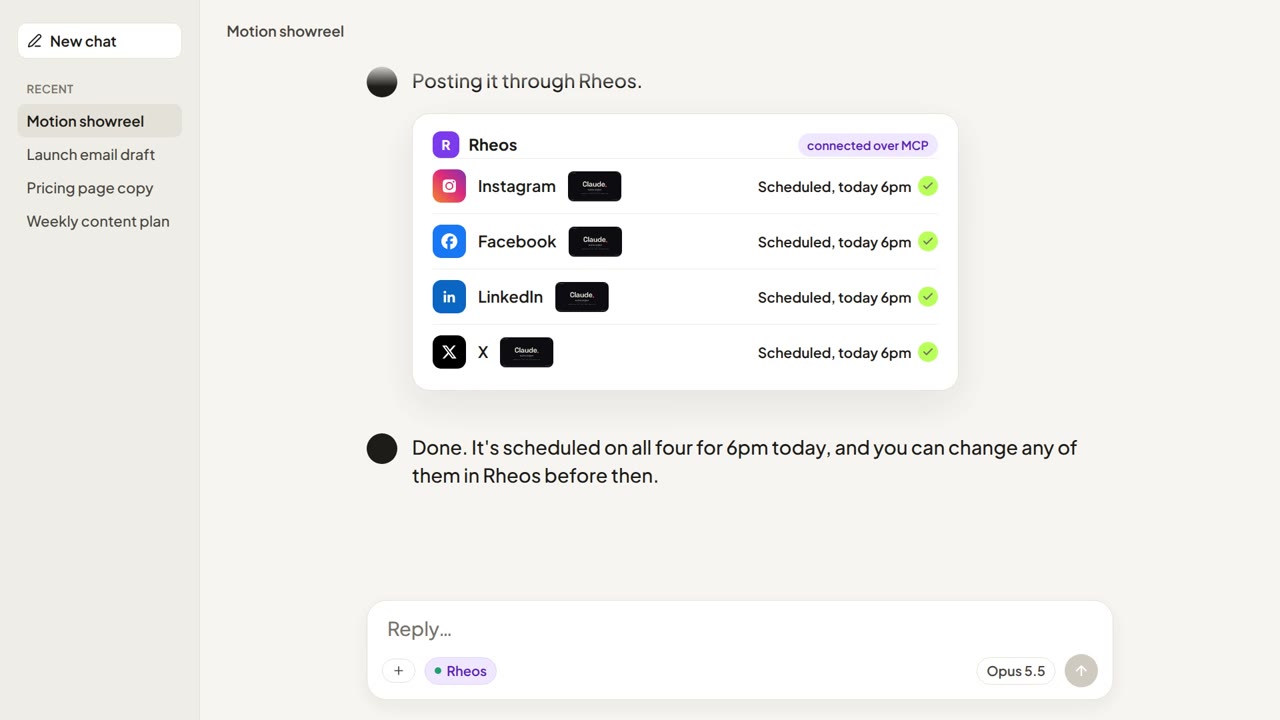
You Can Make a Video with Claude Now. Here's How to Post It
Claude Code can write and render a finished video. It can't post one to Instagram, Facebook, LinkedIn or X on its own. The three ways to get it posted, and how to go from render to scheduled post with Claude still in the loop.

ChatGPT Can Make Your Social Media Images Now. Here's What to Do Next.
ChatGPT's new image model makes social media-ready graphics from a sentence. The tricky part is getting them onto Instagram, LinkedIn, TikTok and the rest — here's a simple workflow.