
ChatGPT Can Make Your Social Media Images Now. Here's What to Do Next.
ChatGPT's new image model makes social media-ready graphics from a sentence. The tricky part is getting them onto Instagram, LinkedIn, TikTok and the rest — here's a simple workflow.
OpenAI launched a new version of ChatGPT's image tool yesterday. It is, by a long way, the best one anyone has made. You can type a sentence and get back a quote card with properly-designed text, a product mockup with readable labels, or a tidy infographic that looks like a graphic designer put half a day into it. None of which used to be possible from a chat.
For anyone running a small business, this is a big moment. A sole trader can now make an Instagram quote post in twenty seconds. A nursery can turn its Monday newsletter into a carousel without opening Canva. A gym can mock up a class timetable graphic in the time it takes to write the caption.
So the image part is now, largely, a solved problem. The next question is the one that keeps tripping people up: once you've made it, how do you actually get it onto your social media?
Why this still takes ages
There are ten places you might want a post to end up: Instagram, LinkedIn, Facebook, TikTok, X (Twitter), Pinterest, YouTube Shorts, Threads, Bluesky, and your own Google Business page. Each of them wants the image in a different shape. Each of them has a slightly different caption style. Most of them now want you to tick a box saying "this was made with AI" — and if you forget, some of them will quietly show your post to fewer people.
That adds up. For one image across five platforms, you are looking at about fifteen minutes of copy-paste and reformatting. Which is odd, because making the image itself only took twenty seconds.
The gap between making the thing and posting the thing is where most SMEs lose their social media plan. People get tired. A week of daily posts starts out strong and fizzles by Thursday. The creative was never the problem. The posting was.
A simple workflow that actually fits in a morning
There is a way to shrink the fifteen minutes back down to one or two. It has three steps.
1. Make the image once, in ChatGPT or your preferred tool. Use a short brief: what the post is about, a rough style, and any text you want on the image. ChatGPT's new model is very good at getting readable typography right the first time, so you don't usually need to regenerate.
2. Let something else handle the caption and the formatting. There are social media tools that will take your image, generate a caption in your business's tone of voice, and automatically adjust the image and caption for each platform. You pick which platforms you want, once, and they remember.
3. Hit schedule, not publish. Pick the times you want each post to go live — or just let the tool pick sensible defaults for each platform — and walk away. Come back a week later and see what did well.
That's the whole loop. Ten minutes of work, seven days of content, every platform covered.
What to look for in a tool
Not all social media schedulers are set up for this. Most of them were built in the days when you uploaded a photo from your phone's camera roll. A few things matter if you're starting from an AI-generated image:
-
It should let you pick your image tool. ChatGPT is great for graphics with text. Other tools are faster and cheaper for general images. You want a workflow that doesn't force you into one.
-
It should write captions in your actual voice. Generic AI captions read like generic AI captions. You want a tool that learns what your business sounds like — usually by looking at your website — and keeps that consistent.
-
It should handle the "this was made with AI" labels automatically. TikTok and Instagram now require them. You shouldn't have to remember.
-
It should post to every platform you actually use. Most SMEs need five or so core platforms covered well, rather than a long tail of niche ones covered thinly.
-
It should show you what did well afterwards. If you can't see what worked, you can't make more of it.
This is what Rheos does
Rheos was built for this exact problem. You make the image — from ChatGPT, from Rheos itself, or from your camera roll. Rheos writes the caption in your business's voice using your website as the reference. You pick from the four live platforms. It handles the sizing, the scheduling, and the analytics after.
If you've been making nice images and then losing them in your Downloads folder, that's the gap this closes. (And if you are wondering why getting that polished post onto social channels matters more than ever, our research on social media as a primary citation source in AI search covers the visibility shift in detail.)
Frequently asked questions
Summary
ChatGPT's new image tool has made social media graphics genuinely easy for small businesses. The harder problem is now the distribution — getting the finished image onto every platform, in the right shape, with the right caption, at the right time, with the right labels. That's the part worth automating. Make the image once, let the tool do the rest, and your week of social posts is done before lunch.
Related reading
Built for your kind of business
Rheos plans your social media and drafts the first version of every post. You edit and approve, and it goes out on time.
It learns your brand, voice and style.
From your website and your posts, it picks up how you sound and what you stand for.
Rheos
Social media marketing for small businesses, without the admin.
- Small business owners
- Founders doing their own marketing
- Marketers in small teams
Direct and plain. Talks to owners as peers, in British English.
Plus Jakarta Sans
Read from rheos.app and @rheosapp
A plan to reach small business owners.
It works out where small business owners, founders doing their own marketing and marketers in small teams look, and plans the week around them.
Ideas from what is going on at your business.
This week: five-minute routine, customer story, tip of the week. It turns each into a post idea you can edit, with images from your library.
Out on LinkedIn and the rest.
“Five minutes a day is enough” and the rest of the week, scheduled across Instagram, Facebook, LinkedIn and X from one calendar.
See what worked for your business.
Which posts got seen, grew the following and turned into customers. That feeds straight back into next week's plan.
You can try it free for 10 days, no card needed. Then £55/month including VAT.
Archie Roberts
Archie Roberts is the founder of Rheos, which plans social media for UK small businesses and drafts the first version of every post for the owner to edit and approve. He writes about how small business owners can show up where their customers look.
Related Articles
Can Claude Schedule Instagram Posts? Yes, Once It's Connected
Claude can't post to Instagram on its own. Connect a publishing tool through MCP and it can schedule posts, carousels and Reels. The three ways to connect it, and what each one asks of you.
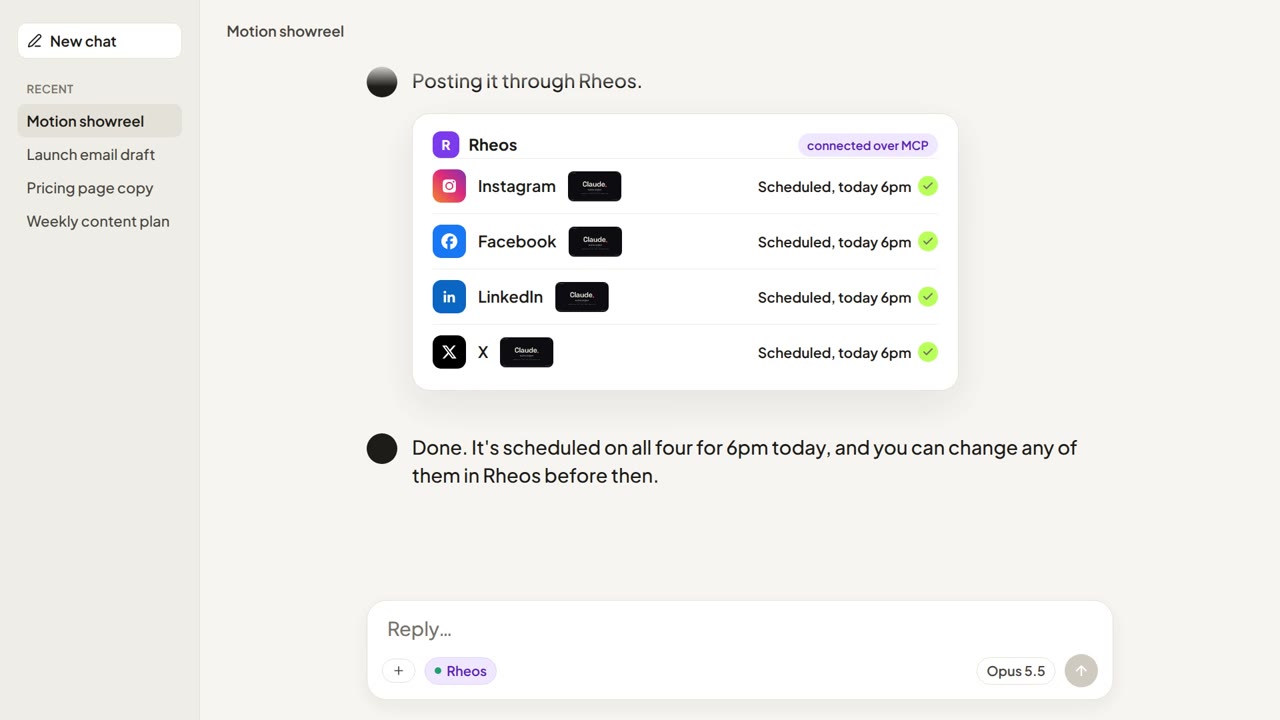
You Can Make a Video with Claude Now. Here's How to Post It
Claude Code can write and render a finished video. It can't post one to Instagram, Facebook, LinkedIn or X on its own. The three ways to get it posted, and how to go from render to scheduled post with Claude still in the loop.
How to Publish Social Media Posts from Inside ChatGPT and Claude
MCP turns ChatGPT and Claude into publishing tools. Here is what that actually means for small business owners — and what is still rough about it.