Siri's New Brain Runs On Your Phone: What On-Device AI Means for App Developers
Apple has moved real language models onto the Neural Engine in every recent iPhone, and rebuilt Siri around them. That changes the contract between apps and the operating system. Here is what app developers actually have to do to take advantage of on-device silicon — and why the apps that don't will quietly get bypassed.
Siri's New Brain Runs On Your Phone
For fifteen years, Siri was a voice front-end to a search box. You asked, it shipped your words to a server, and it read back a result. The assistant didn't really understand your apps, and it couldn't act inside them.
That era is ending. Apple has moved genuine language models onto the Neural Engine that sits in every recent iPhone, iPad and Mac, and it is rebuilding Siri around them. The model now runs on the device, in your pocket, with no round-trip to a data centre for the common cases. And Apple has opened that same on-device model to developers.
This is not a cosmetic Siri refresh. It changes the contract between apps and the operating system — and it quietly punishes apps that don't adapt.
On-Device Inference
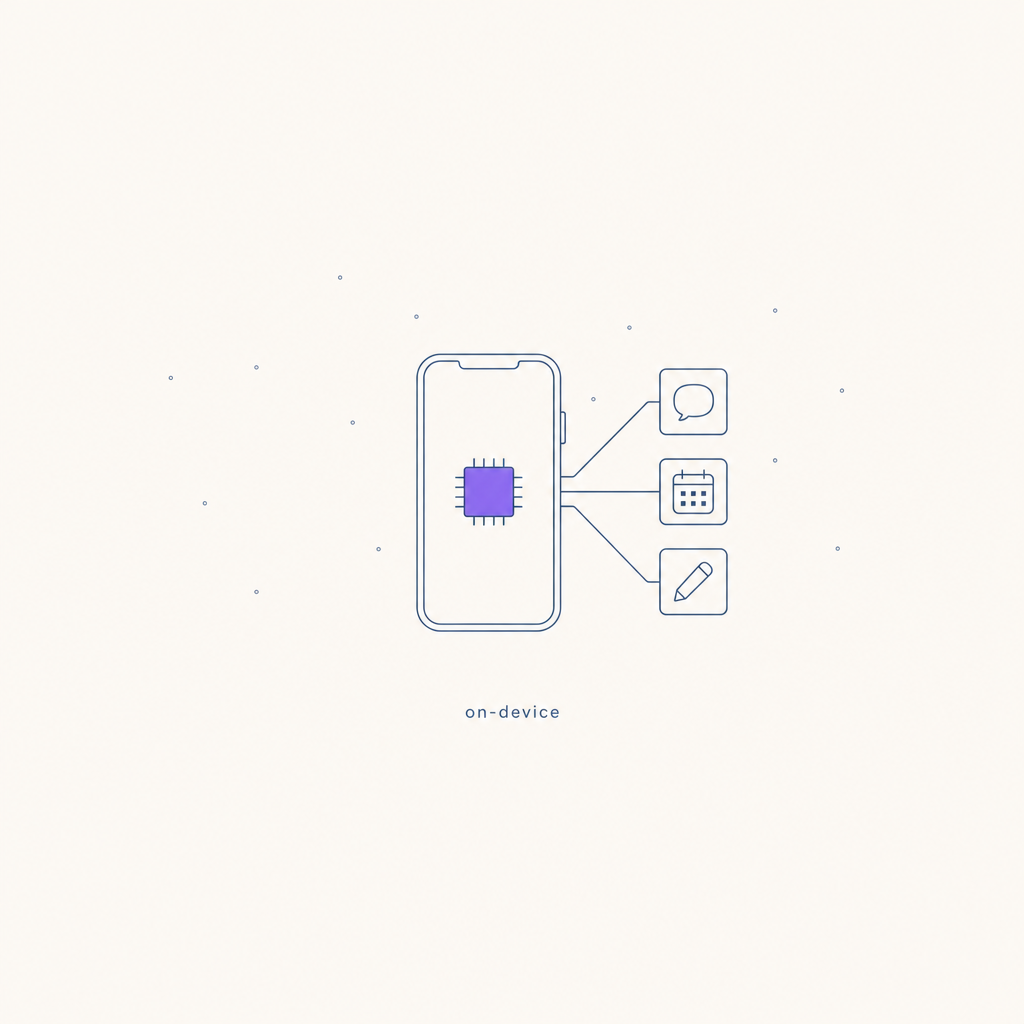
•Running an AI model directly on the phone's own silicon — specifically the Apple Neural Engine (ANE), a dedicated chip for machine-learning maths — rather than sending the request to a cloud server. The trade-offs flip in the user's favour: it's private (data never leaves the device), instant (no network latency), free (no per-call API cost), and works offline. The constraint is size: on-device models are smaller (~3 billion parameters) than frontier cloud models, so heavy reasoning still goes to the cloud.Quick answer — what to change, by app type
| If you build... | The move | Why it matters |
|---|---|---|
| Any app with actions (create, send, schedule, search) | Adopt App Intents | Lets Siri and Apple Intelligence run your features by voice and in context — your app becomes something the assistant can drive |
| An app with its own AI features | Use the Foundation Models framework | Free, private, offline on-device generation instead of paying for a cloud API on every tap |
| A content or data app | Expose App Entities | Makes your content queryable by the assistant and discoverable in Spotlight and visual intelligence |
| Anything with a "type into a box" flow | Lean on system Writing Tools | Don't rebuild rewrite/summarise — inherit it, and focus your AI budget elsewhere |
| A privacy-sensitive app | Default to on-device, escalate to Private Cloud Compute | Heavy requests stay private on Apple-silicon servers with verifiable guarantees |
What actually changed
Three things landed at roughly the same time, and together they're the story:
1. The Neural Engine got good enough to matter. The ANE in current Apple silicon runs tens of trillions of operations per second. That's enough to run a useful ~3-billion-parameter language model locally, fast, without flattening the battery. The hardware stopped being a demo and became a deployment target.
2. Apple opened the on-device model to developers. With the Foundation Models framework, any app can call the same model that powers Apple Intelligence — on-device, offline, with structured ("guided") output and tool-calling — through a few lines of Swift. No API key, no per-token bill, no data leaving the phone.
3. Siri is being rebuilt to act inside apps. The more personal, on-screen-aware Siri Apple has been rolling out is designed to understand what's on your screen, hold personal context, and — critically — take actions across apps. It does that through App Intents: the structured actions your app chooses to expose.
The shift is from "Siri reads you an answer" to "the assistant does the thing, in your app, on your behalf."
Why on-device silicon changes the maths
If you ship AI features today, you're probably paying a cloud provider per request. That cost shapes everything: you rate-limit users, you gate features behind a paywall to cover inference, you add a spinner while the network round-trips.
On-device inference deletes most of that:
- Cost goes to zero at the margin. The user's own silicon does the work. A feature that was too expensive to give away free suddenly isn't.
- Latency collapses. No network hop. Generation starts the instant the user taps.
- Privacy becomes the default, not a promise. The data never leaves the device, so there's nothing to leak, log, or explain in a privacy policy.
- It works on the Tube. Offline is a first-class case, not an error state.
The catch is capability: a 3B on-device model is not GPT-class. So the real architecture is hybrid — on-device for the cheap, private, frequent, latency-sensitive jobs (summarise, classify, extract, rewrite, quick drafts), cloud for the heavy reasoning. The skill is routing each task to the cheapest engine that can do it well.
What developers actually have to do
This is the part most teams underestimate. Taking advantage of on-device silicon isn't "add an AI button." It's three concrete pieces of work:
1. Expose your app through App Intents
Define your app's core actions and the data they operate on as App Intents and App Entities. Once you do, the assistant can invoke them — by voice, from Spotlight, from visual intelligence, from a Shortcut, or as part of a multi-step request the user makes to Siri. This is the new distribution surface. An app that exposes "create a draft" or "schedule this" can be driven by the assistant; an app that doesn't can only be opened.
2. Move the right features on-device with Foundation Models
Audit your AI features and ask, for each one: does this actually need a frontier cloud model? Summarising a note, drafting a reply, tagging an image, extracting fields from text, cleaning up a caption — these run well on-device, for free, instantly, privately. Move them. Keep the cloud spend for the genuinely hard generation. Your unit economics and your latency both improve.
3. Stop rebuilding what the OS now gives you
System Writing Tools, Image Playground, Genmoji and Smart Reply are now OS-level. If you've built your own "rewrite this" button on a paid API, you're paying to duplicate something the phone does for free. Inherit the system capabilities where they fit and spend your effort on the things only your app can do.
The pattern underneath this
We've written before about how AI search changed who gets found: people stopped clicking ten blue links and started asking an assistant, and the businesses that aren't legible to that assistant simply aren't in the answer.
On-device assistants are the same pattern, aimed at apps instead of websites. The assistant is becoming the front door. When a user says "draft a post about today's launch and schedule it for 9am," the assistant will reach for whichever app has exposed that capability. The app that adopted App Intents gets the job. The app that didn't gets skipped — even if it's the better product.
So the strategic point isn't "Apple shipped a new Siri." It's that being usable by the assistant is becoming a distribution channel, the way being indexable by Google was twenty years ago, and being citable by AI search is now. Apps that are legible to the on-device assistant get used by it. Apps that aren't get bypassed, quietly, by users who never realise the option existed.
Where Rheos fits
Rheos is a content operating system for the AI era — built on the premise that businesses need to be present and legible wherever their customers, and increasingly their customers' assistants, are looking. On-device AI is squarely in that path, and with a Rheos mobile app on the way it matters directly to us.
So we'll be looking into implementing these capabilities as a priority:
- App Intents so you can create, draft and schedule on-brand posts straight from Siri and Spotlight — "Hey Siri, draft this week's posts in Rheos" should just work.
- On-device generation for the quick, private, frequent jobs in the mobile app — drafting captions, cleaning up text, tagging assets — keeping the heavy lifting in the cloud where it belongs.
- System-level integration — inheriting Writing Tools and the assistant surfaces rather than reinventing them.
The shift to on-device silicon rewards the apps that make themselves usable by the assistant. We intend Rheos to be one of them.