
Social Media Analytics Tools That Show Engagement Trends (2026 Guide)
Which analytics tools actually help small businesses spot engagement trends — not just dump numbers. Comparison of Metricool, Sprout Social, native platform analytics, Buffer, and Rheos from an SME perspective.
Analytics dashboards that dump 40 metrics at you are not analytics. They are data. A small business owner who looks at that for 20 minutes on a Tuesday is going to close the tab and never open it again.
What a small business actually needs from social media analytics is a tool that answers three questions:
- Which posts worked better than average this month?
- What did those posts have in common?
- What should I do next because of it?
Everything else is noise until those three are solved.
Here is a comparison of five analytics options for small and medium-sized businesses, scored on how well they answer those three questions.
TL;DR
| Tool | Starting price | Strengths | Weak spot |
|---|---|---|---|
| Native platform analytics (free) | £0 | Most accurate data | Per-platform silos |
| Metricool | £18/mo | Deep per-platform + competitor | Steep learning curve |
| Sprout Social | £199/mo | Polished reporting, team-ready | Enterprise-priced |
| Buffer Analyze | £50/mo | Simple, visual | Shallow insights |
| Rheos | £55/mo Social Media Manager | Engagement trends tied to brand AI | Fewer historical filters |
Short answer: if you have 3 platforms and 3 hours a month for analytics, Metricool is the standard pick. If you just want to know "what worked", Rheos or the native dashboards. If you are a team of 5+ with a budget, Sprout.
Why engagement trends matter more than followers
Follower count is a vanity metric for most SMEs. Engagement trends tell you which of your posts are resonating — which is the only thing that compounds over time.
Engagement rate (likes + comments + shares + saves ÷ impressions) is the metric every analytics tool reports. Trends in that rate are what matter: is your engagement rate going up, flat, or declining over the last 90 days?
Platforms all calculate this slightly differently (Instagram includes saves, LinkedIn weights comments more heavily, X counts replies harder than likes), so comparing a single engagement number across platforms is misleading. Compare trends, not absolutes.
Native platform analytics (Instagram Insights, LinkedIn Analytics, Meta Business Suite, X Analytics)
All free. Built by the platforms themselves. Most accurate source of truth.
Strengths: Direct from the source, no API delay, no data loss. Includes platform-specific metrics third parties don't (Instagram Saves, LinkedIn Follower Demographics, etc.)
Weak spot: Each platform is a silo. You open four tabs. You can't compare like-for-like. No historical export beyond 30-90 days on free tiers.
Use this when: you post on 1-2 platforms max, or when you need the most accurate single-platform deep dive.
Metricool
Metricool is the data-heavy option. £18/mo base, scales up with platforms.
Strengths: Deep analytics per platform. Competitor benchmarking is genuinely useful — it scrapes public data on your chosen competitors so you can see if your engagement trend is market-wide or specific to your brand. Ad performance sits alongside organic, which is rare at this price point.
Weak spot: UI is dense. The onboarding involves a lot of connecting accounts. Not a "glance once a week" tool — it rewards sitting down for 30 minutes and reading it.
Use this when: you want deep data, care about competitor tracking, and have time to read reports.
Sprout Social
Sprout Social is a polished enterprise tool with small-team features. £199+/mo.
Strengths: Best-in-class reporting visuals. Team workflows. Social listening included. Inbox unification.
Weak spot: Priced for teams, not solopreneurs. You pay for features you won't use if you are under 5 people.
Use this when: you have a marketing team of 3-10, you report to stakeholders who want pretty PDFs, you need social listening.
Buffer Analyze
Buffer's analytics module. £50/mo add-on to a Buffer plan.
Strengths: Clean. Simple. Tells you which posts performed above average and why.
Weak spot: Shallow. You can see trends but not interrogate them deeply. No competitor data.
Use this when: you already use Buffer for scheduling and just want basic "what worked" reporting.
Rheos
Different angle: Rheos ties engagement data to the content itself so you can see trends by post type, topic, formula, and brand voice dimension.
Strengths: Because Rheos generates the content with brand-aware AI, it shows how each post did on each platform, next to the post itself, so you can compare your carousels with your single images rather than just seeing "you got 40 likes on that one".
Weak spot: Fewer historical filters than Metricool. No competitor scraping (yet). Best used alongside native platform analytics for specific drill-downs.
Use this when: you want analytics that answer "what should I post more of?" and "why?" in plain language rather than raw numbers.
What to look for regardless of tool
Whichever tool you pick, set it up to monitor these four things:
- Engagement rate trend over 90 days, per platform, rolling.
- Top post / worst post by engagement each week. Look at the content pattern.
- Best time to post — every tool computes this. Most disagree with each other. Pick one and test.
- Follower growth trend — not absolute count. Growing, flat, or losing.
If your tool cannot tell you those four things in under 30 seconds, switch tools or change its dashboard setup.
Common questions
What engagement rate is "good"? Instagram: 1-3% is healthy for SMEs. LinkedIn: 2-5%. Facebook: below 1% is normal. These shift yearly; trust your trend over the benchmark.
Are paid analytics tools worth it? If you post fewer than 3 times a week, use native. If you post across 3+ platforms and track ROI, yes.
What about GA4 for social? GA4 shows what happens after the click to your site. It does not show engagement on-platform. You need both.
Which tool has the least "numbers no one reads"? Rheos and Buffer Analyze. Metricool is the opposite — it gives you everything, whether you want it or not.
Key takeaways
- Start with the three questions: what worked, what did those posts have in common, what to do next.
- Native platform analytics are the source of truth. Third-party tools save time, not accuracy.
- Compare trends across platforms, not absolute numbers.
- If you cannot answer "what should I post more of?" from your dashboard, your dashboard is too complicated.
Rheos bundles analytics with AI content creation — see how each post did on each platform, next to the content that made it. Try Rheos — £55/month including VAT.
Related reading
Built for your kind of business
Rheos plans your social media and drafts the first version of every post. You edit and approve, and it goes out on time.
It learns your brand, voice and style.
From your website and your posts, it picks up how you sound and what you stand for.
Rheos
Social media marketing for small businesses, without the admin.
- Small business owners
- Founders doing their own marketing
- Marketers in small teams
Direct and plain. Talks to owners as peers, in British English.
Plus Jakarta Sans
Read from rheos.app and @rheosapp
A plan to reach small business owners.
It works out where small business owners, founders doing their own marketing and marketers in small teams look, and plans the week around them.
Ideas from what is going on at your business.
This week: five-minute routine, customer story, tip of the week. It turns each into a post idea you can edit, with images from your library.
Out on LinkedIn and the rest.
“Five minutes a day is enough” and the rest of the week, scheduled across Instagram, Facebook, LinkedIn and X from one calendar.
See what worked for your business.
Which posts got seen, grew the following and turned into customers. That feeds straight back into next week's plan.
You can try it free for 10 days, no card needed. Then £55/month including VAT.
Archie Roberts
Archie Roberts is the founder of Rheos, which plans social media for UK small businesses and drafts the first version of every post for the owner to edit and approve. He writes about how small business owners can show up where their customers look.
Related Articles
Can Claude Schedule Instagram Posts? Yes, Once It's Connected
Claude can't post to Instagram on its own. Connect a publishing tool through MCP and it can schedule posts, carousels and Reels. The three ways to connect it, and what each one asks of you.
You Can Make a Video with Claude Now. Here's How to Post It
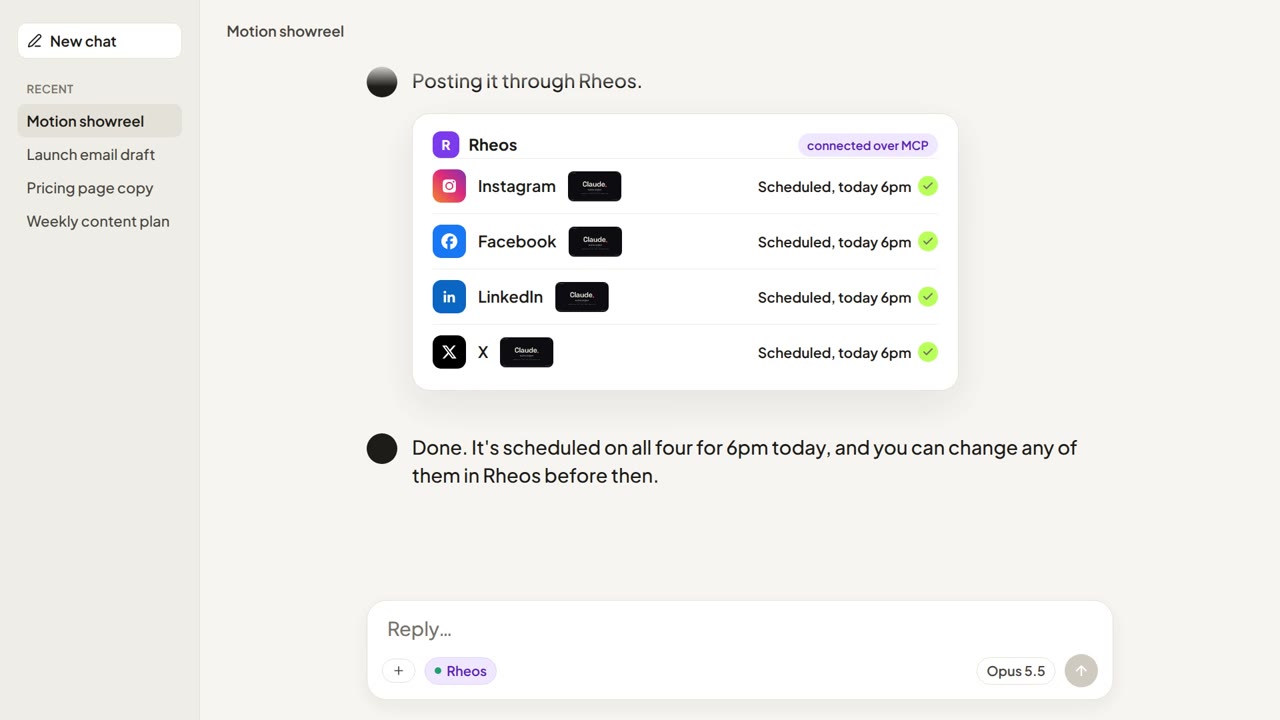
Claude Code can write and render a finished video. It can't post one to Instagram, Facebook, LinkedIn or X on its own. The three ways to get it posted, and how to go from render to scheduled post with Claude still in the loop.
Buffer or Later? Which Scheduler to Pick in 2026
Buffer or Later: pick Buffer if you post to X or want a free plan, pick Later if Instagram is your main channel. Later dropped X in August 2025.